
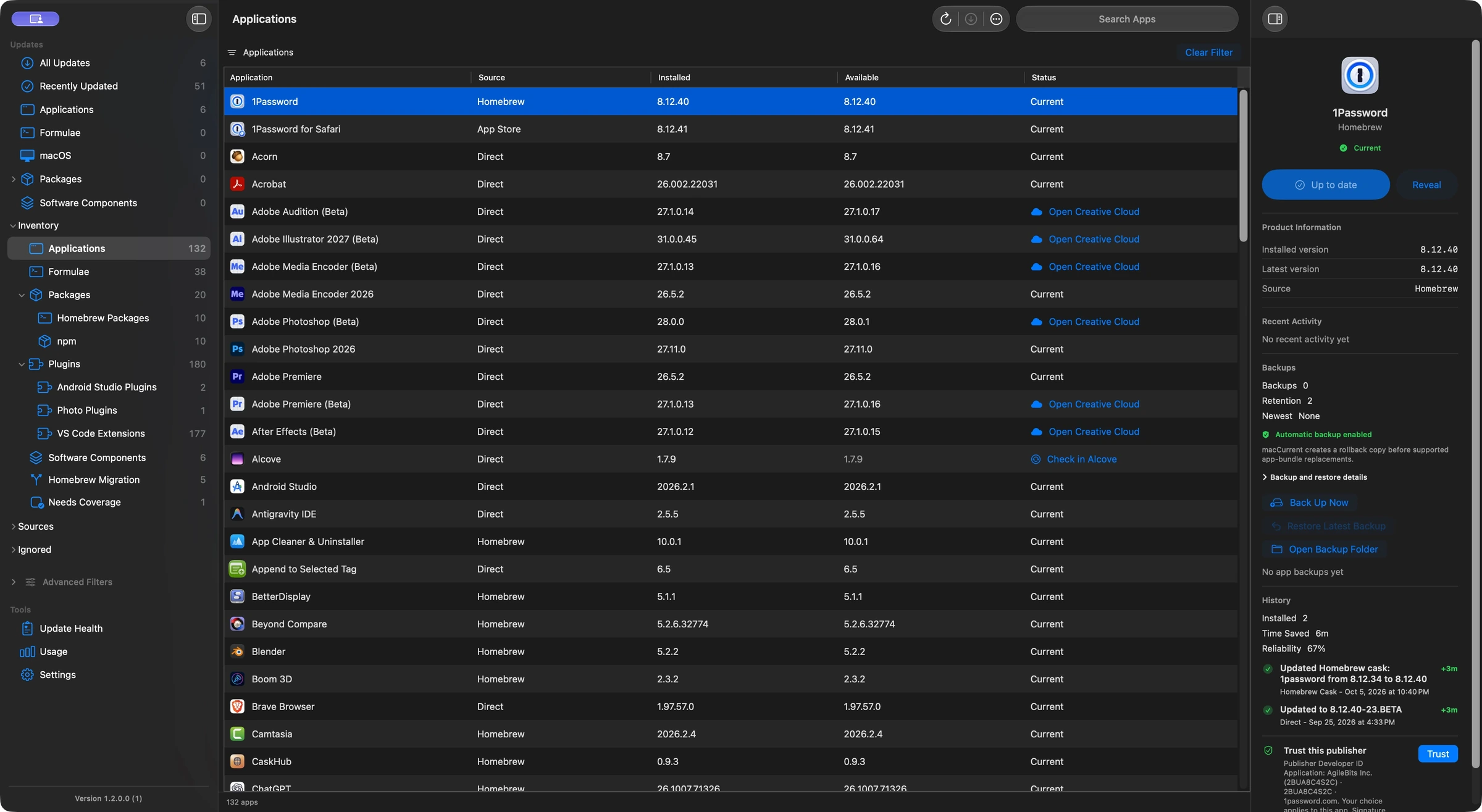
Quick guide
The short answer
macCurrent 1.2.0.48 and later discovers global npm packages across supported Node installations, checks public npm releases, and installs eligible updates through the owning npm installation. It also tracks VS Code extensions, JetBrains and Obsidian plug-ins, and audio plug-ins. Installation support varies: eligible VS Code extensions and Android Studio plug-ins can update directly; other items use their host app or vendor updater.
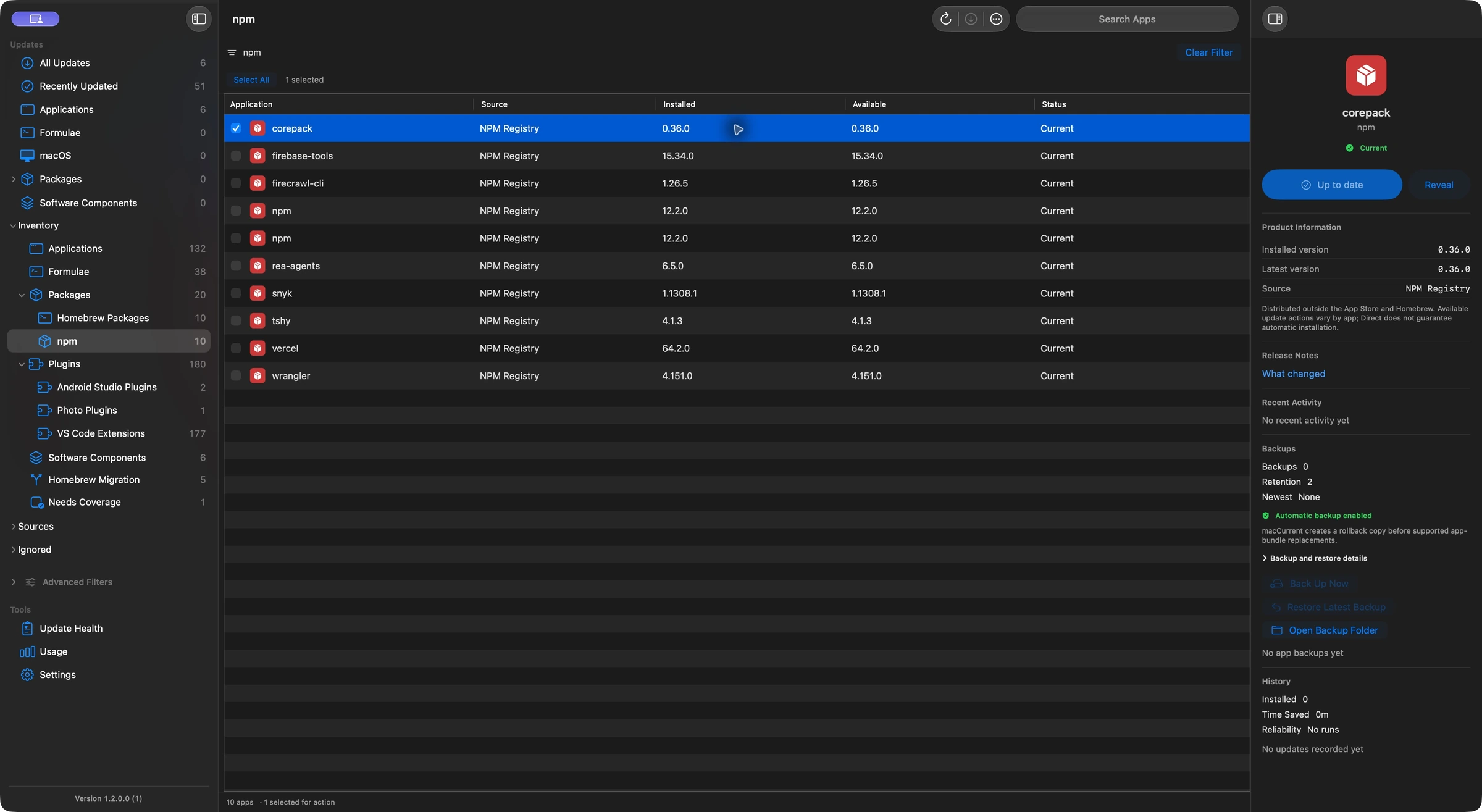
Global npm packages across Node installations
These package and extension installation features require macCurrent 1.2.0.48 or later. Screenshots show a release preparation build.
Global npm packages often provide command-line tools you use across projects. macCurrent discovers them in supported Node installations, including common version-manager and Homebrew locations. Each installed copy stays tied to its own Node installation, so the same package under two Node versions remains two separate entries.
macCurrent compares eligible public packages with the npm registry and can install the selected version through the npm and Node tools for that installation. It checks the installed result before recording success. Node compatibility, permissions or missing tools can still prevent an update.
This coverage is for globally installed npm packages. macCurrent does not scan project node_modules folders or rewrite project dependency files. Packages configured for private or custom registries stay with their owning package manager; their names are not sent to the public npm registry for update checks.
If you prefer the terminal, npm documents how to check and update global packages. Use the Node installation that owns the package, especially when you use a version manager.
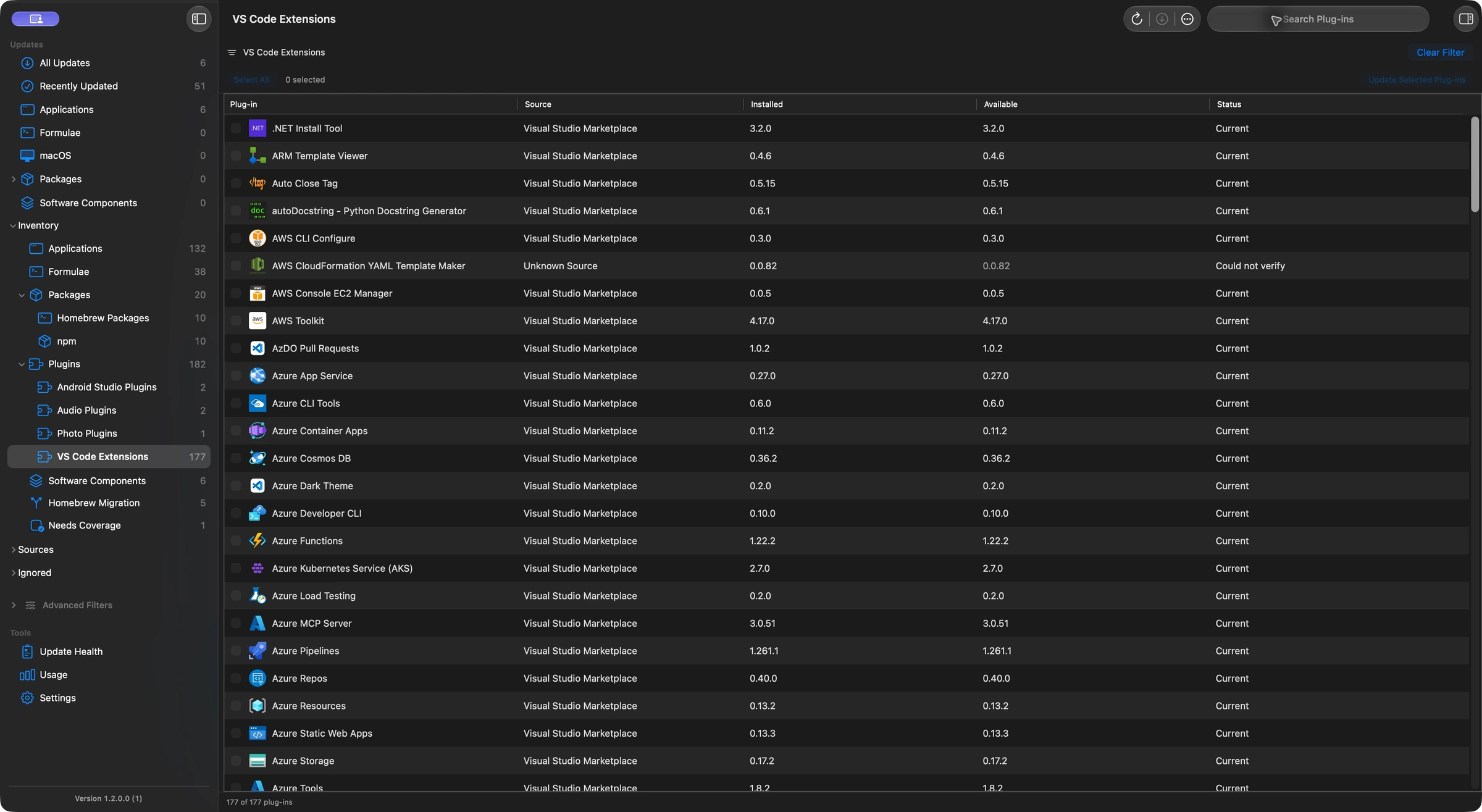
VS Code extensions and compatible updates
macCurrent discovers installed Visual Studio Code extensions and checks releases against the relevant editor version, Mac architecture and release channel. Extension identity and installation location matter: updating the VS Code app and updating an extension are separate actions.
Eligible extensions in verified Microsoft VS Code and VS Code Insiders installations can update through the editor’s own command-line tool. macCurrent preserves the supported profile and installation scope, respects pinned extensions, and checks the installed version afterward. Other editor variants or unsupported locations may need a manual step.
You can also review extensions inside VS Code. Microsoft explains extension management and update controls. Use the action shown for the selected extension rather than assuming every editor shares the same installer.
JetBrains, Android Studio and Obsidian plug-ins
Supported JetBrains IDE plug-ins are checked against compatible JetBrains Marketplace releases. Eligible user-installed Android Studio plug-ins can update directly; bundled plug-ins and items with additional dependencies continue to use the IDE’s update tools. Other JetBrains plug-ins use the host IDE when direct installation is unavailable.
Obsidian community plug-ins are identified within their vaults and checked against published releases from the reviewed community directory. The same plug-in in two vaults remains two installations. Use Obsidian to install its plug-in updates, then scan again to confirm the version.
Audio plug-ins and other software components
macCurrent also inventories audio plug-ins in AU, VST, VST3, CLAP and AAX formats, along with supported photo and video plug-ins. A discovered plug-in or a familiar format does not guarantee a verified update or direct installation.
Commercial creative tools may need a vendor updater, account sign-in or license check. For example, Adobe Camera Raw updates use Adobe Creative Cloud. Follow the item’s update guidance and keep project files, presets and settings backed up separately.
How to review a package or plug-in update
- Run Check for Updates, then open Packages or Plugins to review the discovered items. Available type filters help narrow the list.
- Select the installed copy you want. Check its Node installation, editor, IDE or vault before updating.
- Review the available version and action. Use a direct update when offered, or open the owning app or vendor updater.
- Scan again after a manual update to confirm the installed version. If a source could not be checked, do not treat that result as proof that the item is current.
Read the source coverage page for the differences between an update macCurrent can install, a handoff to another tool and manual guidance. App replacement backups do not cover every package, plug-in, project or setting.
Frequently asked questions
Can macCurrent update global npm packages on a Mac?
In macCurrent 1.2.0.48 and later: Yes. macCurrent checks eligible global npm packages against the public npm registry and installs the selected version through the owning Node and npm installation. It verifies the installed version afterward. Compatibility, permissions and tool availability can prevent installation.
Does macCurrent update npm dependencies inside my projects?
In macCurrent 1.2.0.48 and later: No. npm support covers global installations. macCurrent does not scan project node_modules folders or change package.json or lockfiles.
Does macCurrent check private npm packages on the public registry?
In macCurrent 1.2.0.48 and later: No. Packages configured for private or custom registries stay with their owning package manager. Their names are not sent to the public npm registry for update checks.
Can macCurrent update VS Code extensions?
In macCurrent 1.2.0.48 and later: Yes, for eligible extensions in verified Microsoft VS Code and VS Code Insiders installations. It uses the editor’s own command-line tool, respects supported profiles and pinned extensions, and checks the installed result. Other editors or locations may need a manual step.
Which other Mac plug-ins does macCurrent support?
In macCurrent 1.2.0.48 and later: macCurrent tracks supported JetBrains and Android Studio plug-ins, Obsidian community plug-ins, and audio plug-ins including AU, VST, VST3, CLAP and AAX. Discovery, update checks and installation support differ by item.
Can every discovered plug-in update automatically?
In macCurrent 1.2.0.48 and later: No. Eligible VS Code extensions and user-installed Android Studio plug-ins have direct update paths. Other items may need their host app, a vendor updater, account access or manual review. A failed check is not proof that a plug-in is current.